
The Industrial Prompting Guide: How to Use AI for PLC Logic

From Chatting to Coding: A Practitioner's Guide
If you’ve read our overview on AI for PLC programming, you know what the technology can do. But for an engineer in the field, the question isn’t about potential—it’s about execution.
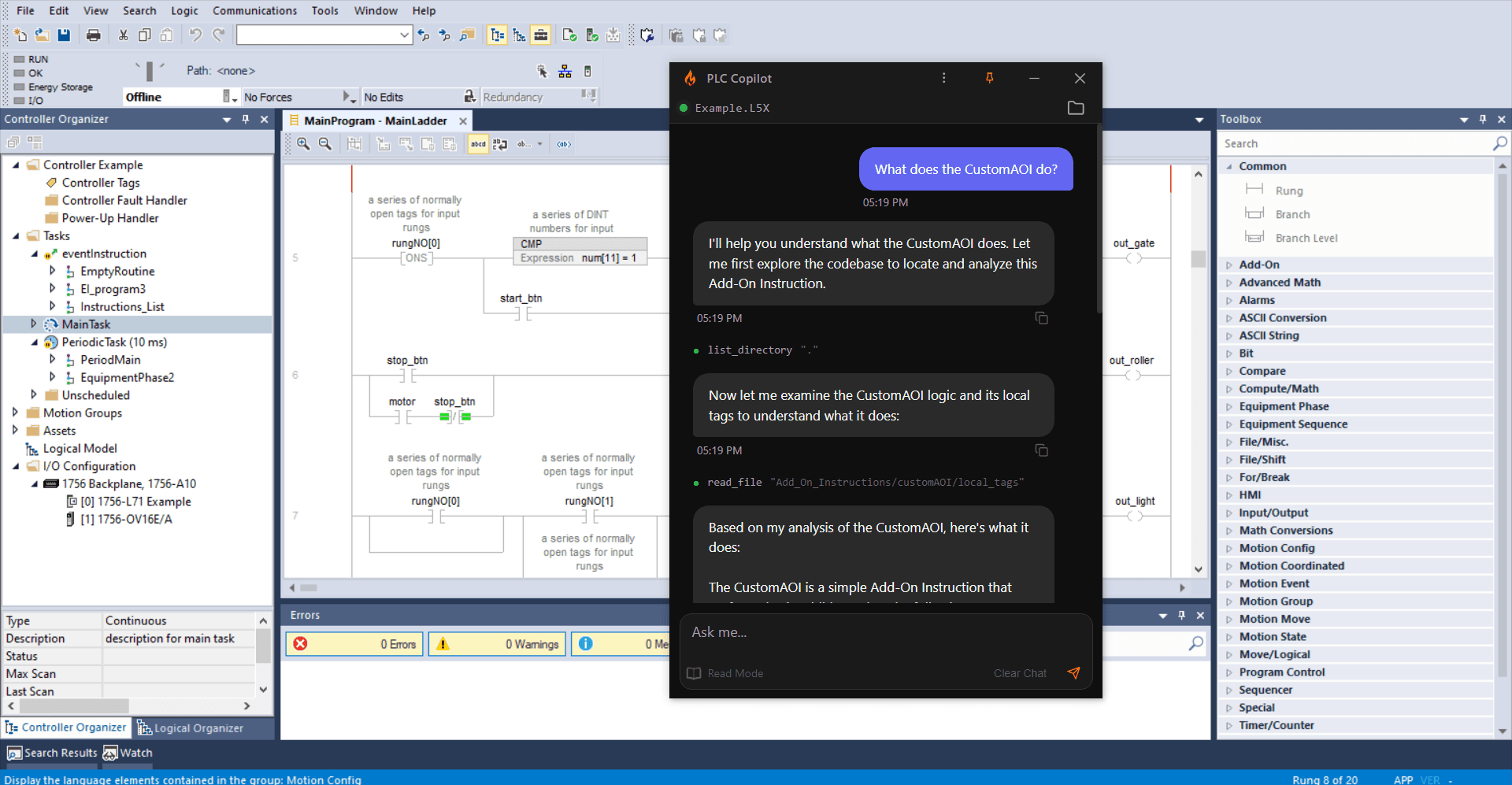
Generic prompts like "write code for a motor" usually result in "hallucinated" instructions, illegal memory addresses, or logic that ignores the scan-cycle of the controller. In a software-defined world, we call this "prompt engineering." In the industrial world, we call it Defining the Scope.
To get production-ready results from an AI assistant, you need a deterministic framework. This guide introduces the CAC Framework: Context, Action, and Constraint.
Why Structure Matters in Industrial Logic
Unlike a Python script or a web app, a PLC program lives in a scan-based environment. If your AI assistant doesn't understand the scan cycle, it might suggest a loop that causes a watchdog timeout. If it doesn't know your instruction set, it might invent a command that doesn't exist in your firmware.
The CAC framework acts as a bridge, ensuring the AI behaves less like a "creative writer" and more like a "Junior Controls Engineer" following your lead.
The CAC Framework: A Comparison
Before we break down the steps, let's look at the difference structure makes.
The "Generic" Way (Low Success Rate)
Prompt: "Write ladder logic for a pump that starts with a button and stops if there is high pressure."
The Problem: The AI doesn't know which PLC it's writing for, what your I/O mapping looks like, or if you need a seal-in circuit vs. a latch/unlatch instruction. It will likely give you code that won't compile.
The "CAC" Way (High Success Rate)
Prompt: [Context]: I am using a Productivity2000 PLC. I have 'Start_PB' on DI_0.0 and 'Pressure_SW' on DI_0.1. [Action]: Generate a pump start routine for 'Pump_MTR' on DO_0.0. Use a seal-in contact. [Constraint]: The pump must stop if 'Pressure_SW' is true. Include a 200ms debounce on the switch.
Step-by-Step: Implementing CAC
1. Context (The hardware rules)
Start by defining the "laws" of your project. If the AI doesn't know the hardware, it doesn't know the limits.
- Specify the PLC Model: (e.g., P2-550, S7-1200, or CompactLogix).
- Define the Memory Style: Are you using tag-based memory or direct I/O addressing?
- Identify the Software Version: This defines which instructions (like specialized UDS or AOIs) are available.
2. Action (The process flow)
Describe the sequence in plain English, but be specific about the "triggers."
- The Inbound: What signal starts the cycle?
- The Transformation: What happens in the middle? (e.g., "Wait 5 seconds," "Increment the count").
- The Outbound: What is the final state?
3. Constraint (Safety & Site Standards)
This is where 90% of AI "hallucinations" are fixed. You must define the boundaries.
- Safety Interlocks: Mention any bits that must be true for the machine to run (e.g.,
ESTOP_OK). - Instruction Preference: Tell the AI to use specific commands, like
TMRfor timers orCPDfor data logging. - Naming Conventions: If your plant uses
PMP_01instead ofPump1, tell the AI upfront.
Real-World Scenario: Generating a Conveyor Divert
Let’s apply this to a common task in the Productivity Suite IDE.
The Task: Divert a box if the reject sensor is triggered.
The CAC Prompt:
"I am using a P2-550 PLC. I have a Reject_Sensor connected to DI_10 and a Divert_Solenoid on DO_05.
Action: When the sensor is triggered, fire the solenoid for 1.5 seconds. Use a non-retentive timer.
Constraint: The divert can only happen if the 'Belt_Running' feedback is active. Do not use Latch/Unlatch instructions; use a seal-in circuit."
The Result: Because you provided Constraints, the AI won't use a latching instruction that you don't want. Because you provided Context, it will use the correct Productivity Suite instruction set.
Validating the Output
Even within the CAC framework, the engineer remains the final authority. Never download code to a live controller without validation.
- Code Review: Read through the generated rung. Does the logic flow make sense from left-to-right?
- Simulation: Use the built-in simulator in your PLC IDE to dry-run the logic before connecting to hardware.
- Refinement: If the code isn't quite right, don't start over. Refine your Constraint or Context and ask the AI to "Adjust the logic based on this new constraint."
Conclusion
The "magic" of AI for PLC programming isn't in the AI—it’s in how you frame the problem. By using the CAC Framework, you move from a trial-and-error approach to a deterministic engineering workflow.
Want to try the CAC Framework on your next project? Launch PLC Copilot and start building structured, documented, and reliable logic in a fraction of the time.